Pika for Social Media
Keep your feed moving with fresh product visuals, short videos, and new takes on every campaign.

A full content calendar starts with more ways to tell your story
One idea can become a product post, a short video, and a new opening hook. Pika helps social teams explore those directions from the same brief, so every channel gets content that belongs there and every week starts with something to work with.
Product visuals for every part of your feed
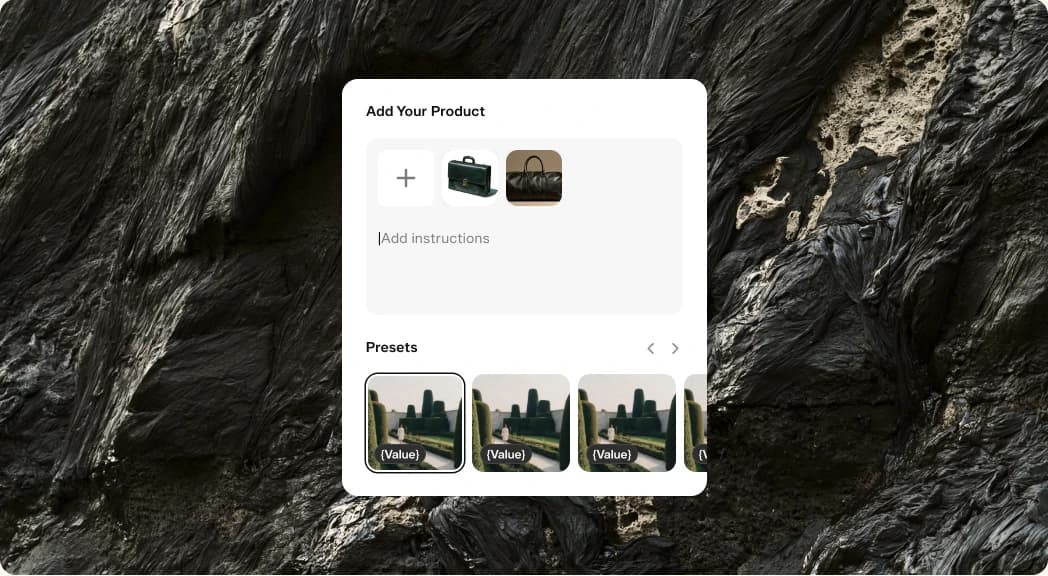
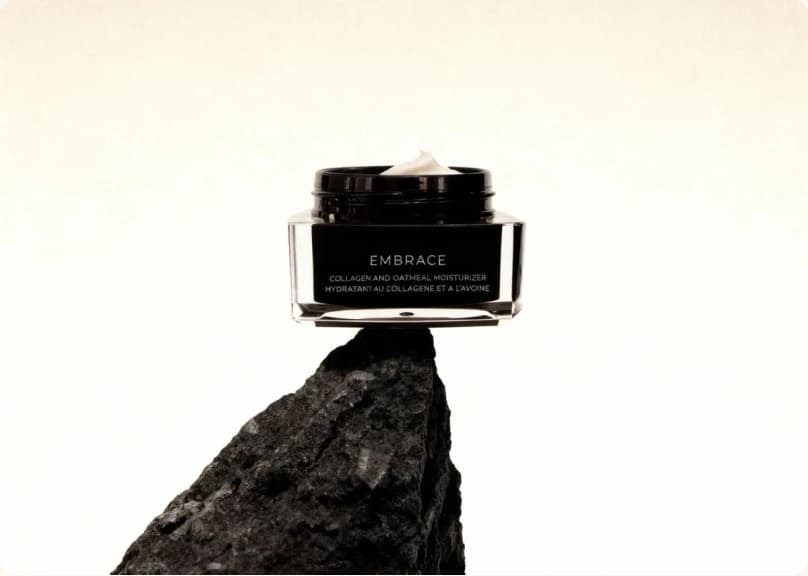
Turn your product photos into a collection of scenes for launches, seasonal posts, and the everyday moments between campaigns.
A social calendar needs more than one hero image. Start with a clear product photo and describe the setting, palette, and mood you want. Product Shot gives you new visual directions to review without planning a separate shoot for each post.
Build a small set around the same idea, then choose the images that fit your channel. Keep your product references and visual brief consistent as you try new backgrounds, compositions, and occasions.
Give your next launch a video of its own

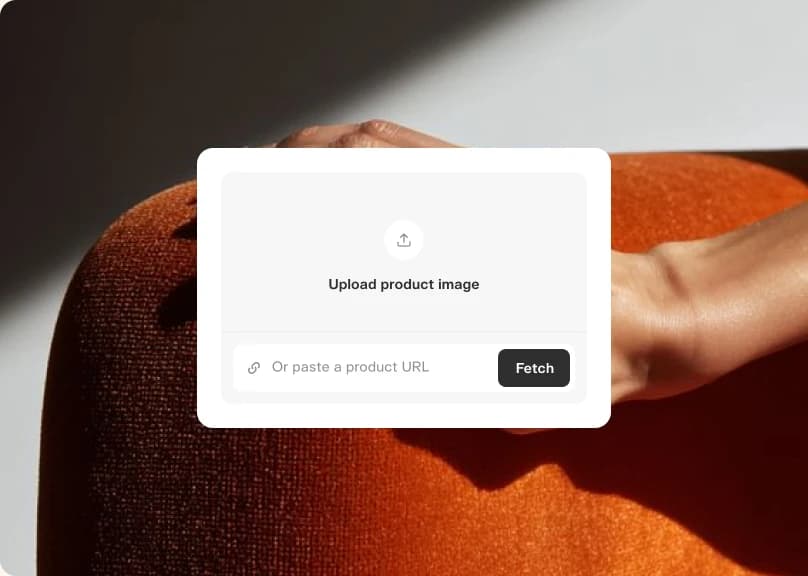
Bring a product announcement to life with a brief that puts the benefit, audience, and opening moment first.
A feature list is a useful starting point, but your audience needs a reason to stop. Use Product Ad to shape the announcement around a specific problem, a product detail, or a moment your customers recognize.
Review the result with the destination in mind. Adjust the message and pacing for each channel, and check your product details and on-screen text before you publish. Keep the strongest version as a starting point for the next post.
More hooks. More ways into the story.
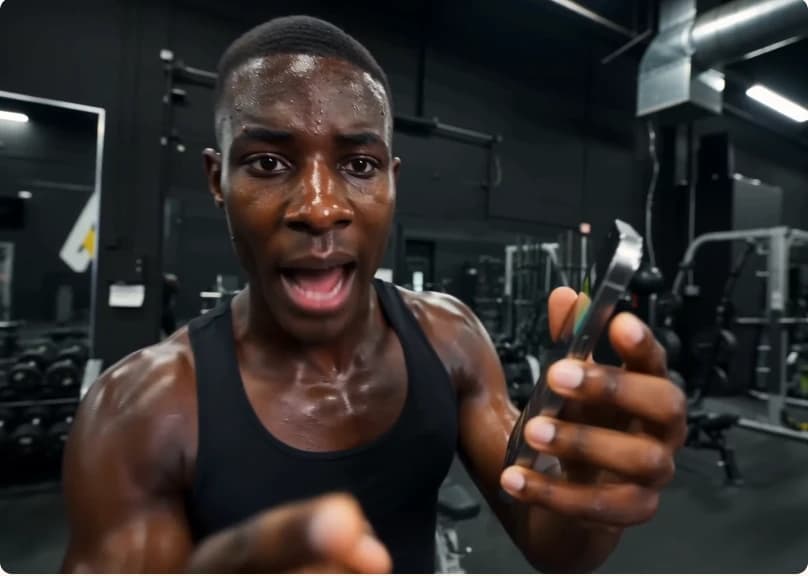
Explore different openings and creative angles so your social calendar can move beyond the same post with a new caption.
Lead with the problem in one version, the result in another, and a closer look at the product in a third. Pika lets you turn those ideas into creative options you can compare before choosing what to share.
Use what your audience responds to as the brief for your next iteration. Carry a useful visual idea across a series, or change direction when a format has run its course. You stay in charge of the edit and the publishing schedule.

Ready when you are
Start with a product post, build a video around it, and give your next week of content a head start.
- Product ShotTurn reference photos into a polished product shot
- Product AdFour steps from a product photo to a finished ad
- Podcast VideoTurn a topic or script into a two-host video episode
- Character StudioDesign a consistent character — upload or generate, then pick style, angle, and expression. Always on a clean white background.
- Music StudioGenerate original music beds and instrumentals
- See AllExplore all apps


FAQ
Yes. Start from the same product photos and keep a consistent visual brief as you explore new scenes. Review each result for product accuracy before adding it to the series.
Use the format and duration options available in your chosen app, then review the crop, pacing, and text for the channel where you plan to publish.
This playbook covers creating the assets. Download the finished images or videos and publish them through your usual social tools.
Keep a short brief with your palette, product references, lighting, and tone. Reuse it when you generate, and select the results that fit your visual direction.
Yes. Change the opening message or scene in your brief and generate another version. Compare the alternatives, then use your channel results to guide the next round.